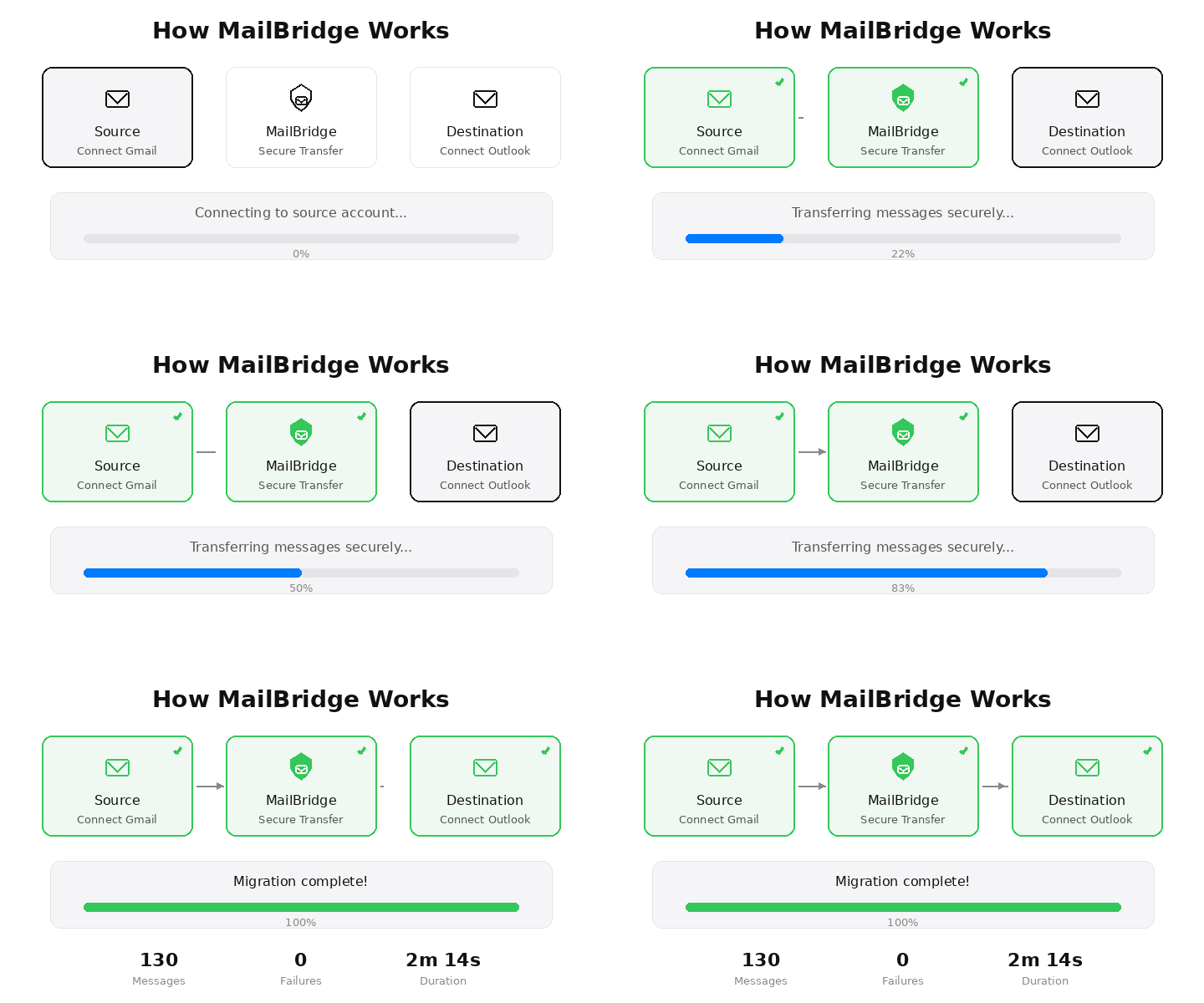
Connect source → Connect destination → Secure transfer. That's it.
MailBridge migrates your email between providers with full fidelity — messages, labels, attachments — encrypted end-to-end, with zero data loss.
Connect source → Connect destination → Secure transfer. That's it.
Connect, configure, and let MailBridge handle the rest — securely and reliably in the background.
Authenticate your source and destination email providers using secure OAuth. MailBridge never sees your password.
Select what to migrate — date ranges, folders, labels. MailBridge plans the work and breaks it into manageable chunks.
Background workers process your migration reliably. If something fails, it retries automatically. You get notified when it's done.
Every design decision in MailBridge optimizes for dependable, repeatable email migration.
Uses native Gmail API and Microsoft Graph — not fragile IMAP connections. Faster, more reliable, and fully authenticated.
Re-runs are safe. Duplicate messages are prevented through stable message identifiers. Interrupted jobs resume cleanly.
Large mailboxes are split into manageable chunks with checkpoints. No single failure can derail your entire migration.
Get an email when your migration finishes — with a link to the full details. No need to babysit the dashboard.
MailBridge is built around the principle that your email content belongs to you — we facilitate the move, nothing more.
OAuth tokens are encrypted at rest. We never store your email password — authentication happens entirely through provider OAuth flows.
Email content passes through MailBridge during migration and is never stored in our database. Only job metadata and progress are retained.
We request only the permissions needed for migration — read on source, write on destination. No access to contacts, calendar, or drive.
Move your email between providers with confidence. Secure, reliable, and fast.
Get Started